V1 / CLASSIC GRID
Try the grid demo ↗Classic grid
Prizes are easy to scan, and participants can enter a draw code to start the demo flow.
 Manprpower
One event page that holds prizes, rules, and the prize-draw entry point.
Clients can understand it clearly and start using it directly.
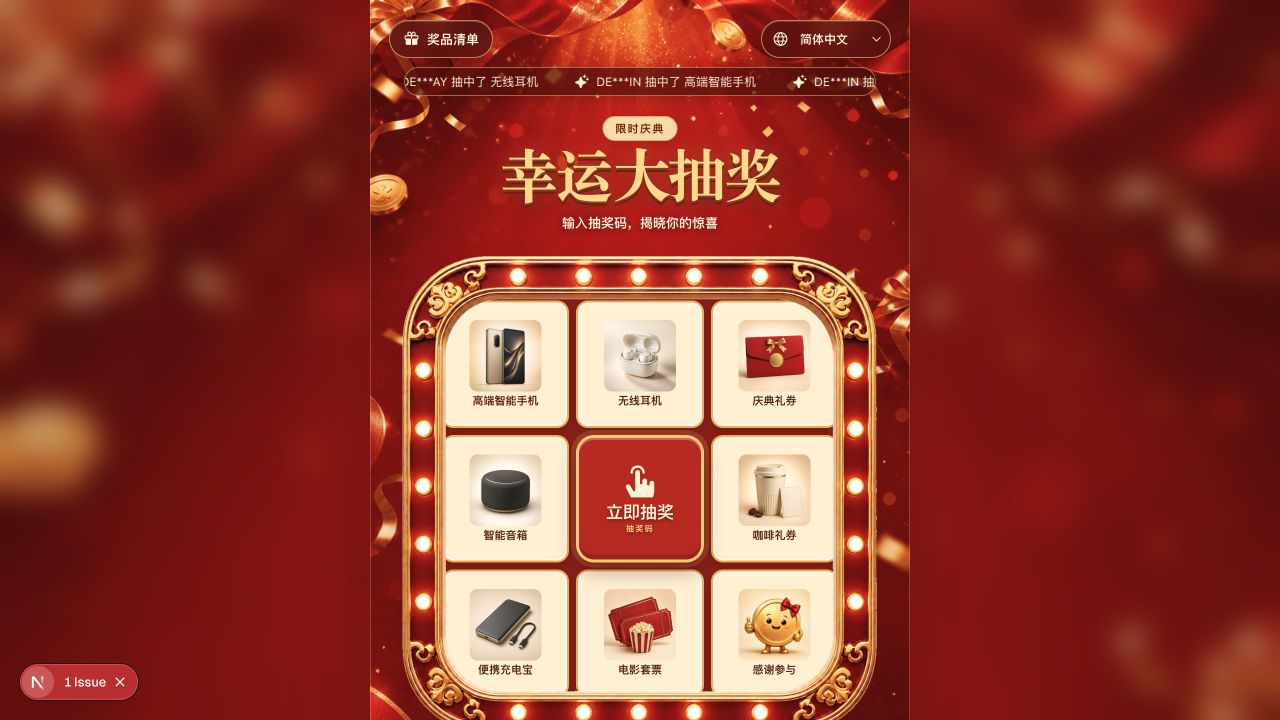
Choose a grid or lucky wheel to suit the event. The presentation differs while the administration settings and draw flow stay the same.
Prizes are easy to scan, and participants can enter a draw code to start the demo flow.
Present prizes with an animated segmented wheel, using the same campaign settings and draw flow.
From the nine-grid board to prize details, let images speak first.
Want to understand something? Open it to see.
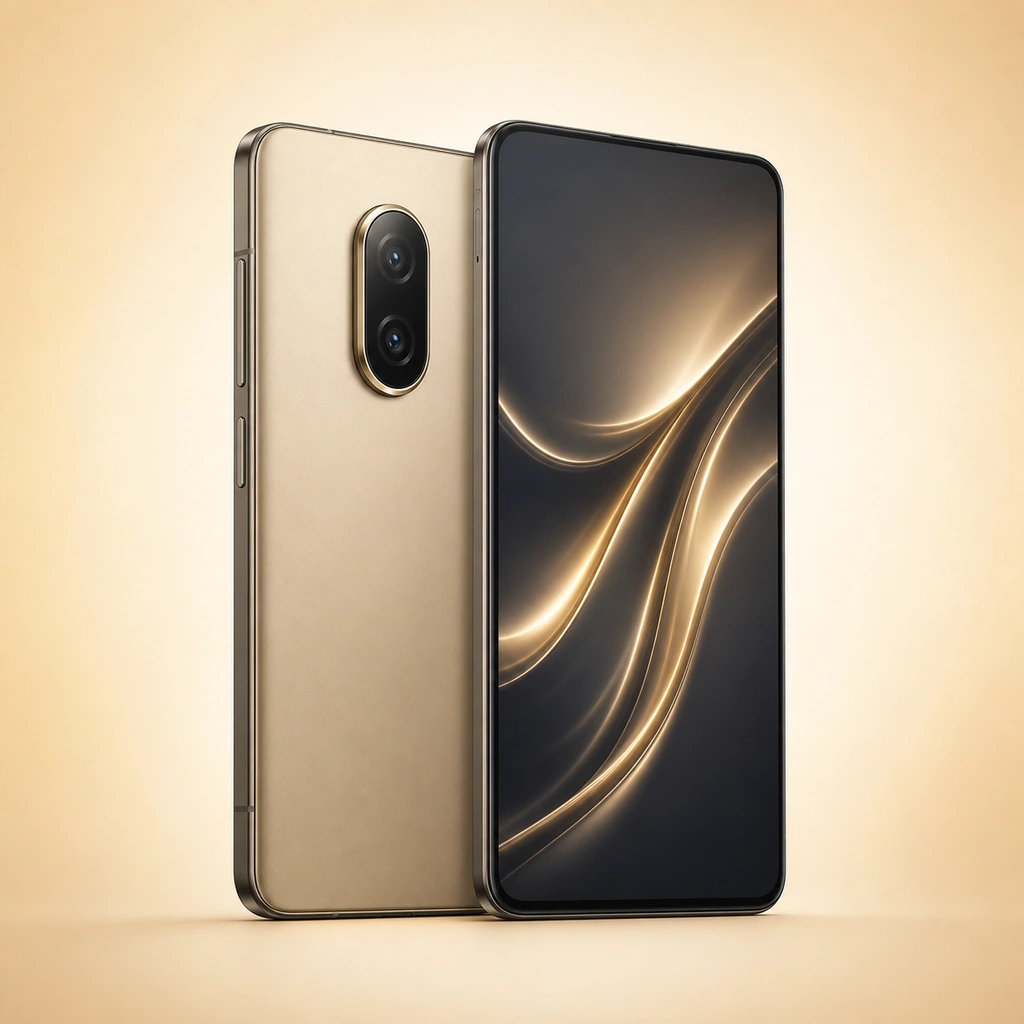 Smartphone.
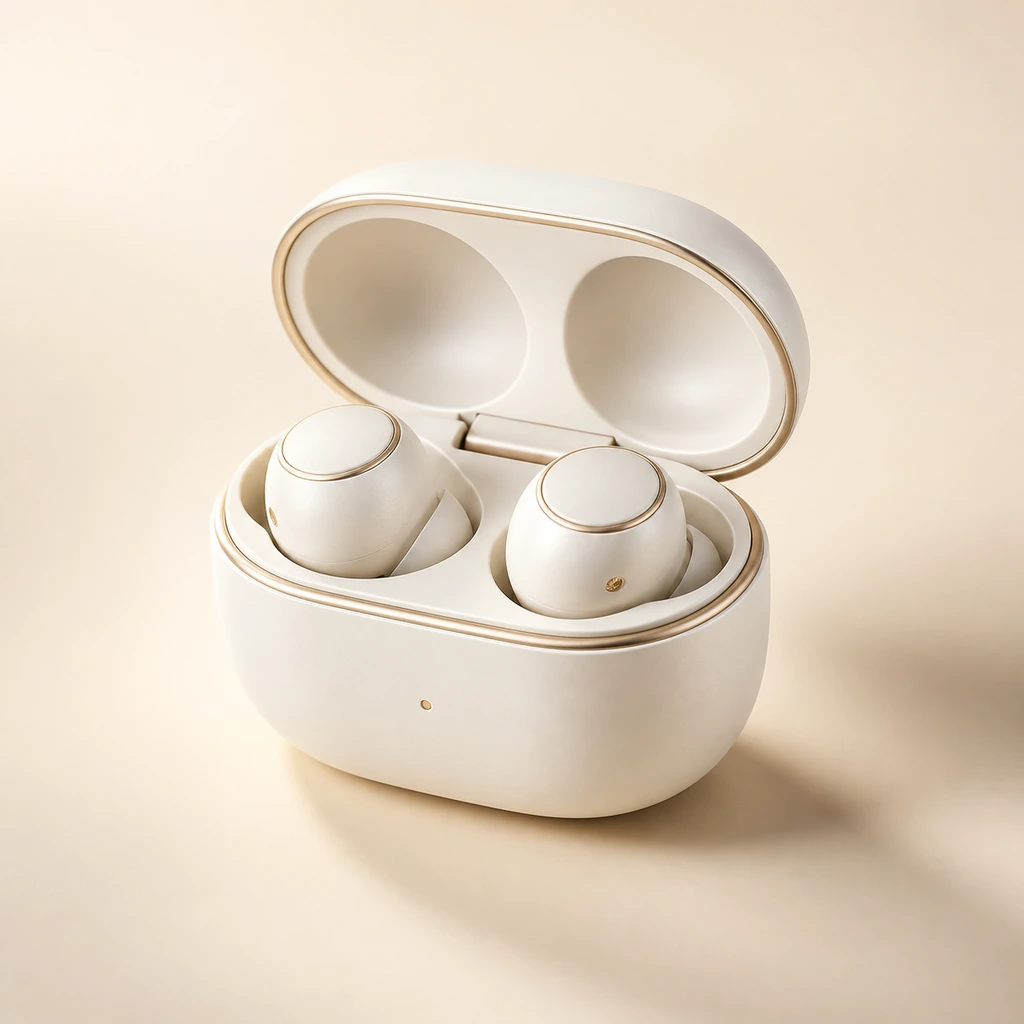 Wireless headphones
 Event voucher
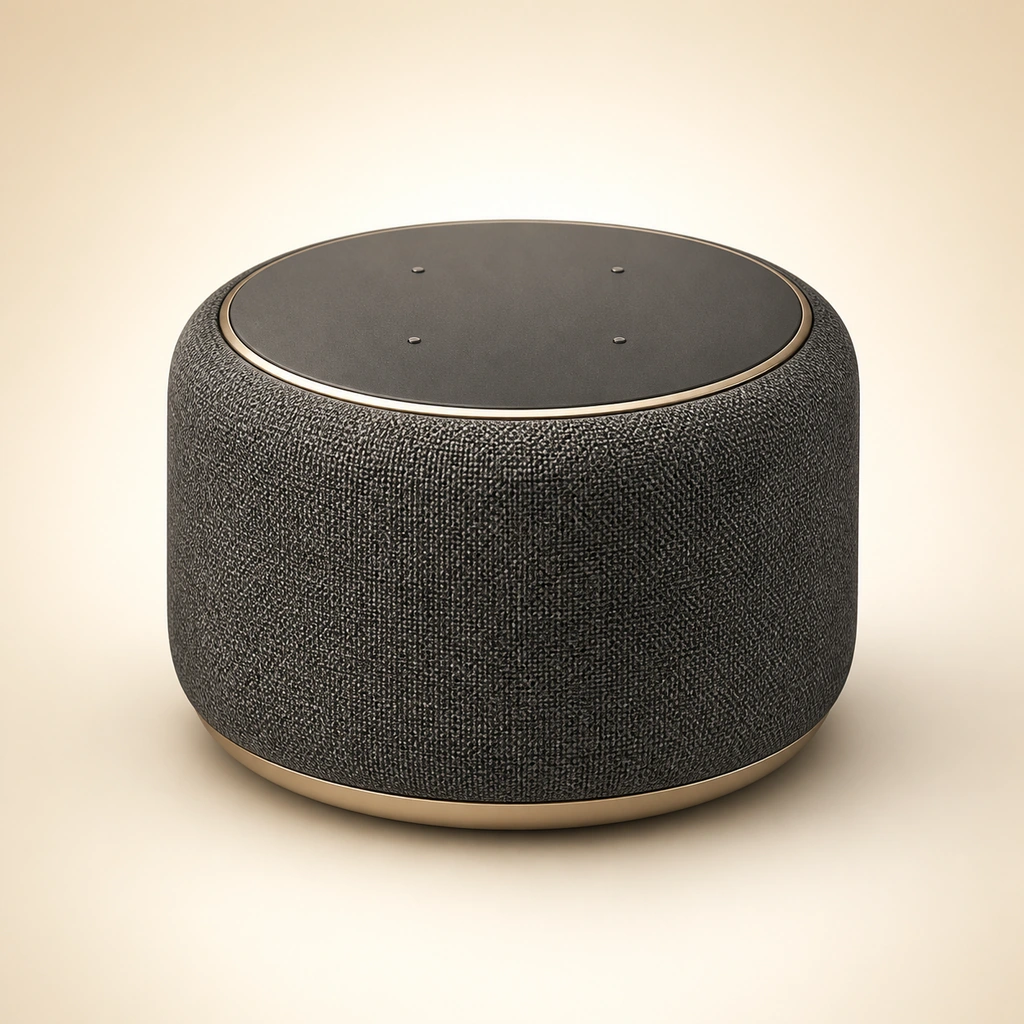 Smart speaker
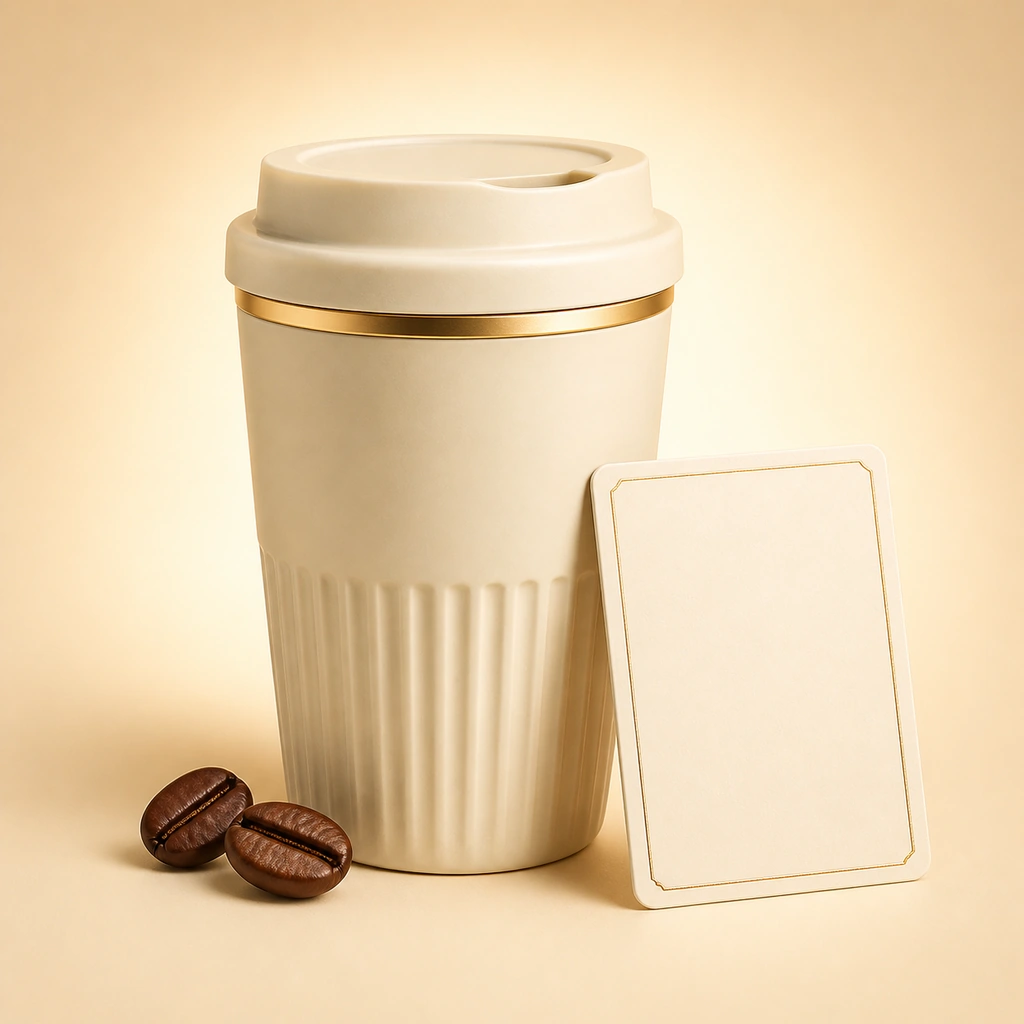 Coffee voucher
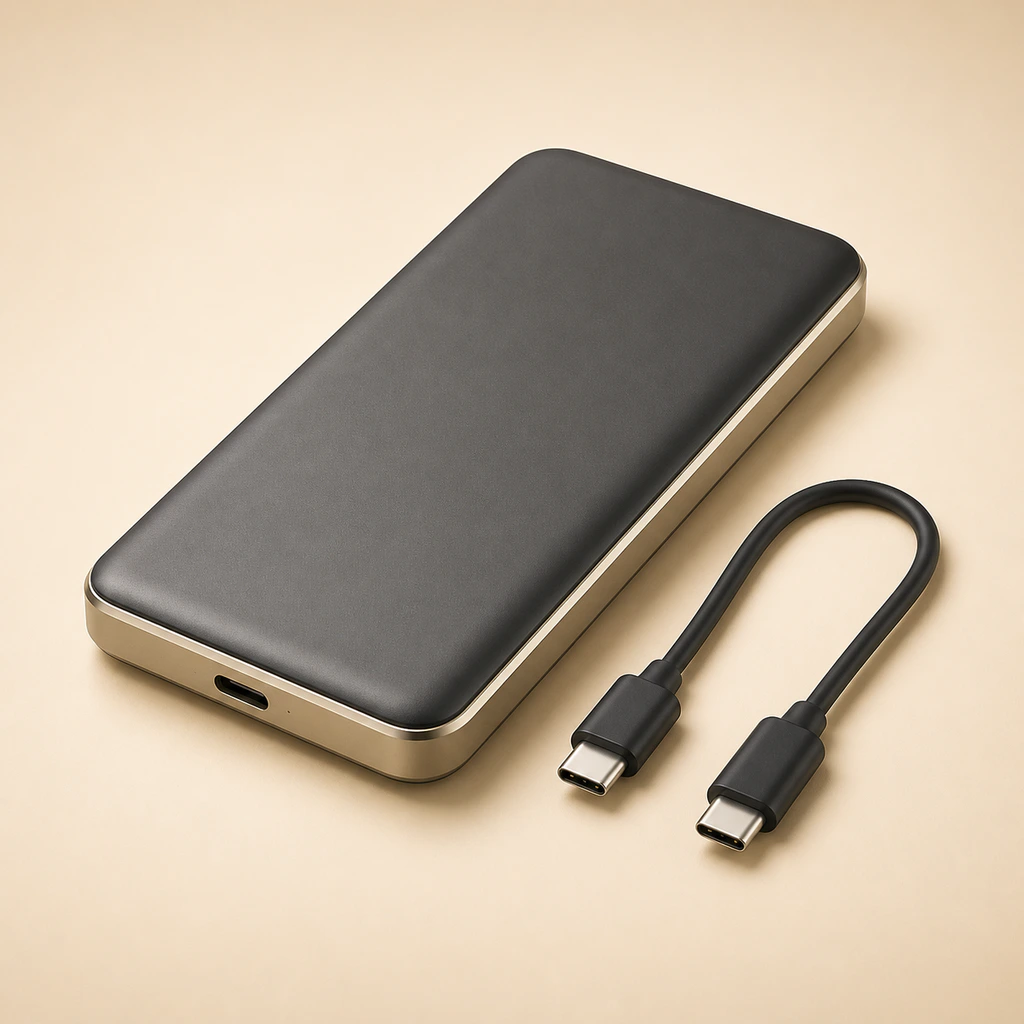 Power bank.
Prize images, names, and descriptions appear within the same campaign.
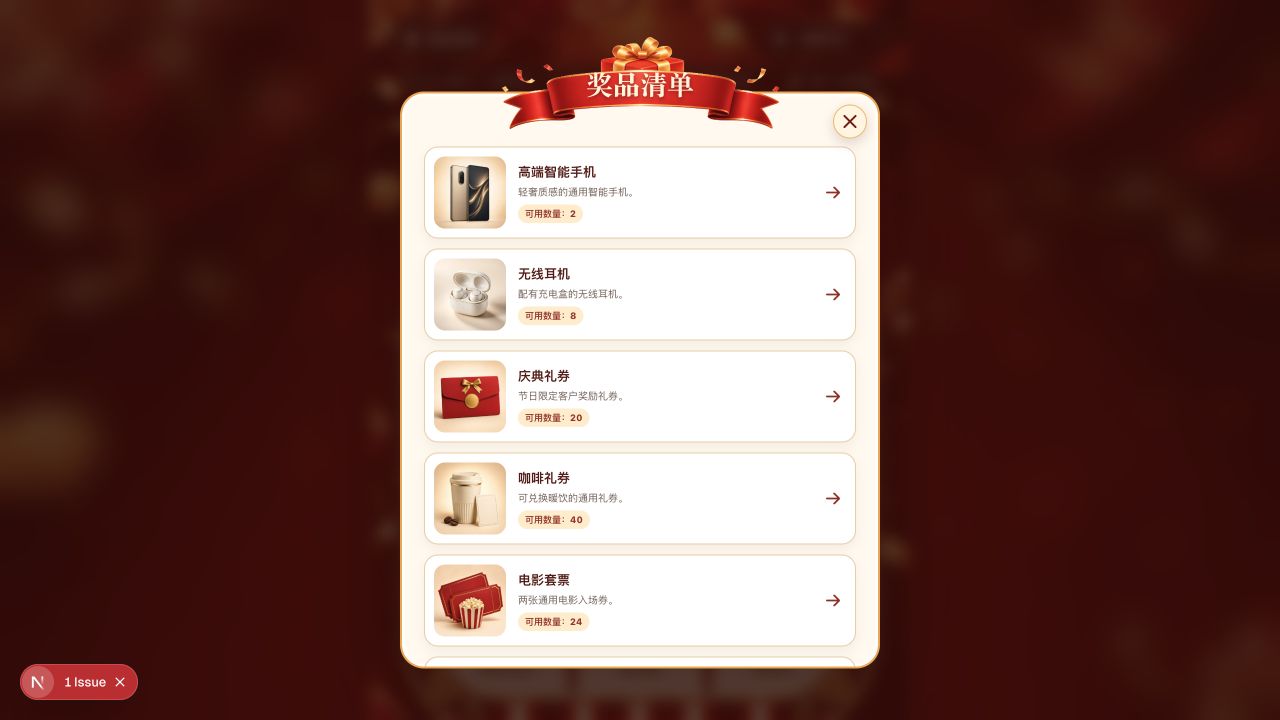
View images, descriptions, and display quantity.
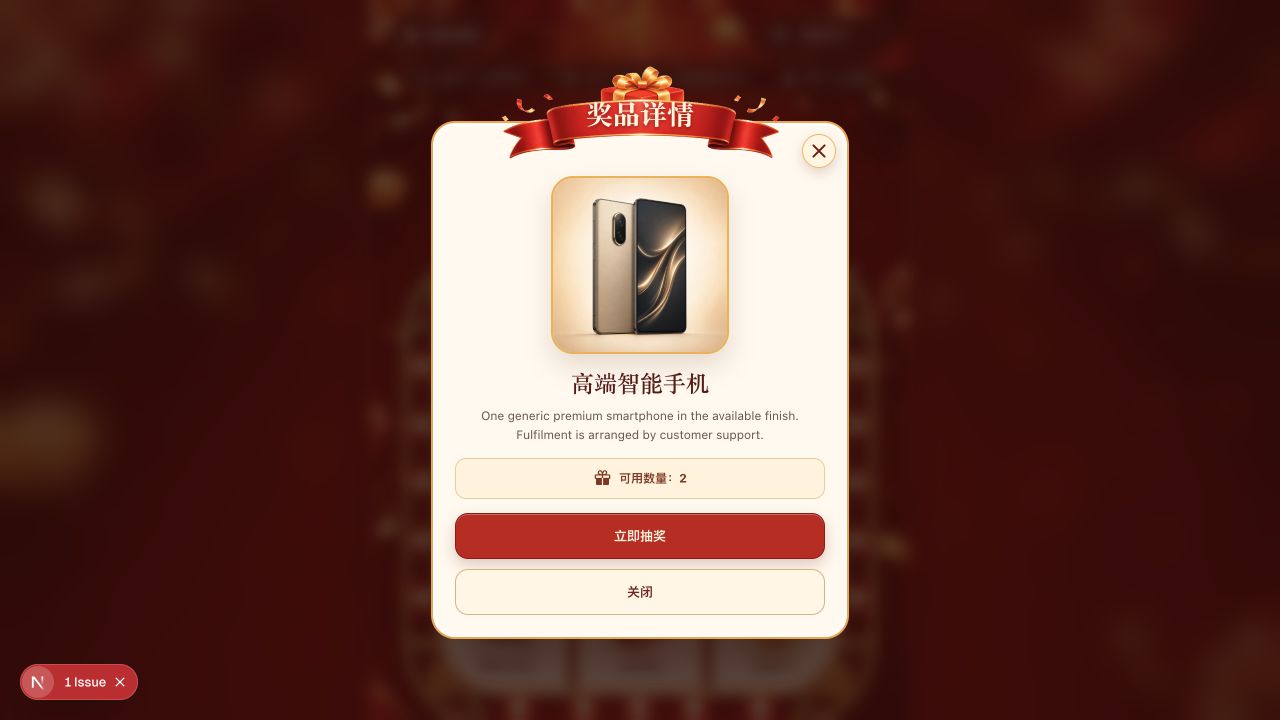
After reading the introduction, you can also enter the draw here.
No need to keep looking for entry points.
Enter the draw code and follow the page prompts to participate.
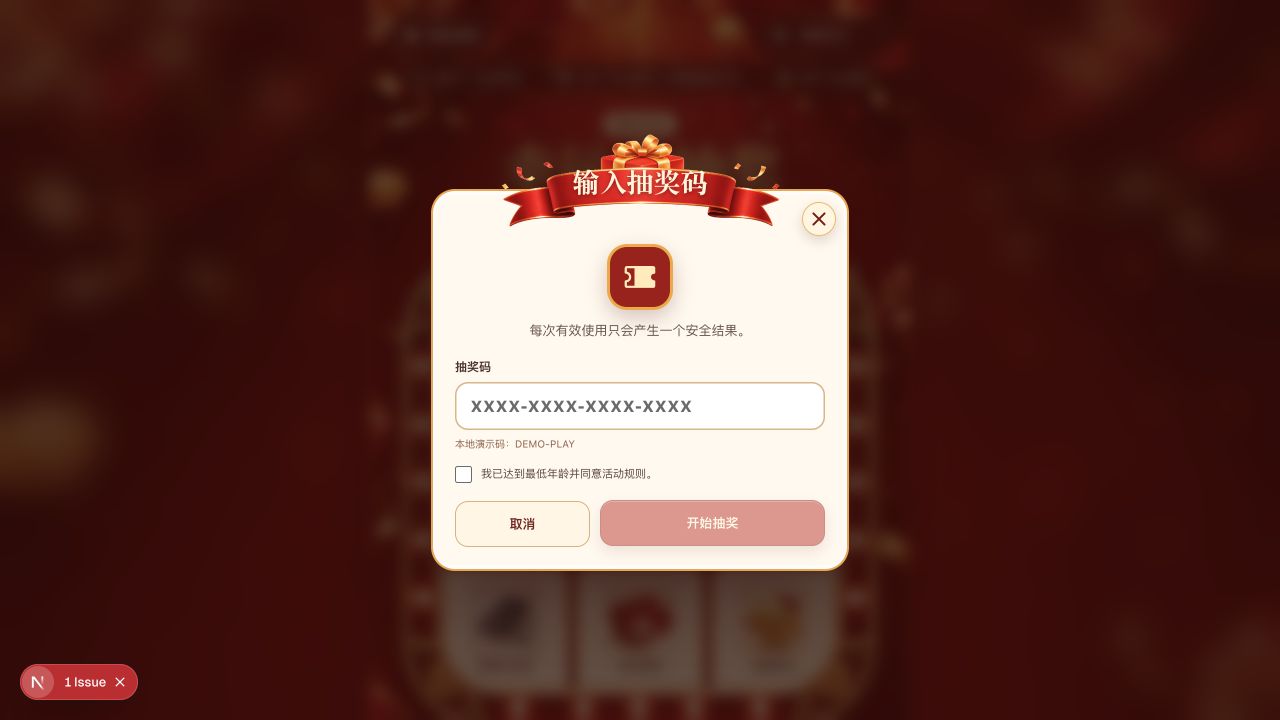 Draw-code entry interface ↗
Enter a valid draw code at the "Draw Now" entry and confirm the participation conditions.
DEMO-PLAY ↵After submission, play the nine-grid lucky-draw animation and wait for the result.
The prize interface provides a claim number, copying the number, saving the result, and a customer-service entry; it also gives a clear notice when there is no prize.
Read the event rules and privacy notice before taking part. If assistance is needed, a customer-service route is available.
The interface supports multiple languages; specific event copy follows the event settings.
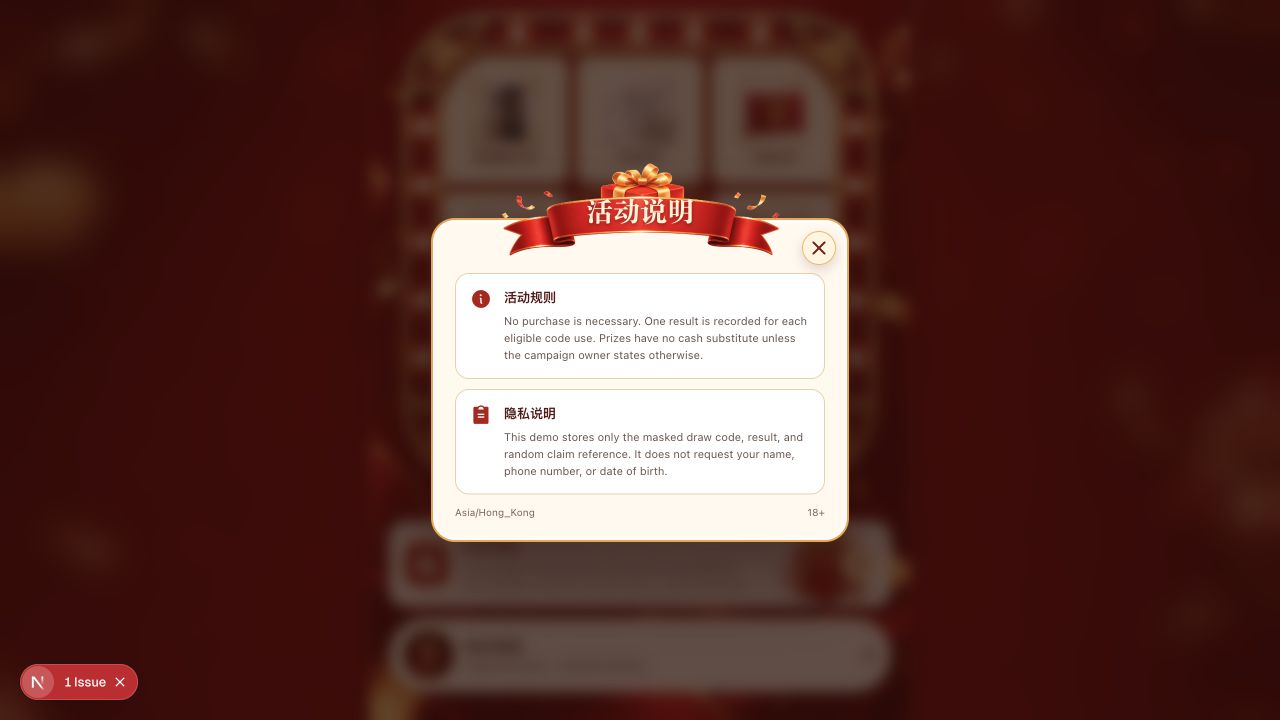 Event instructions / Live interface ↗
These three demo tickets can be reused with no total-use limit. They are for demonstration only and award no real prizes; repeated actions remain protected by request-rate limits.
Experience the complete process of randomly winning or not winning.
DEMO-PLAYTry the results page after winning a demonstration prize.
DEMO-WINView the message and closeout flow for a non-winning result.
DEMO-NOWINCopy a ticket, open the DEMO, click “Draw Now,” and paste it. Each resubmission produces a new demonstration result.
Tell us about the use cases, language and functional requirements.